
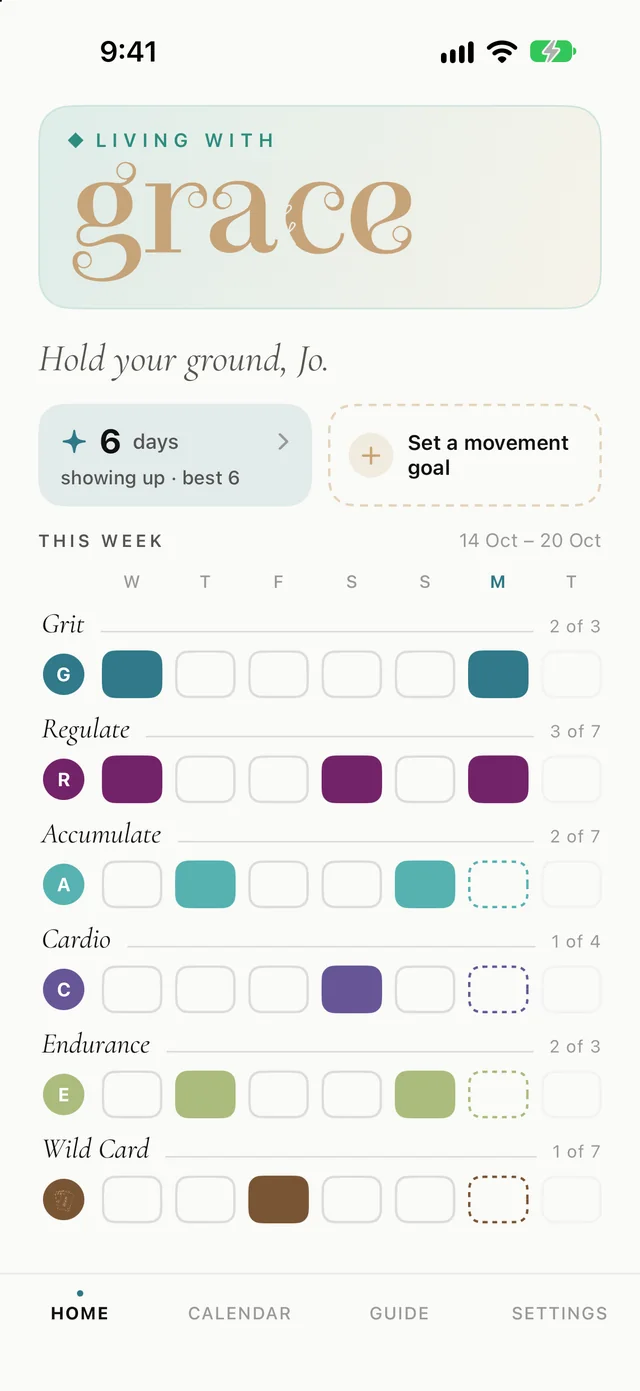
Home
The week, at a glance
Open the app and you see every element and how often you’ve touched it this week. It’s designed to be read in two seconds, and to look incomplete without looking like failure. Most weeks will have gaps. That’s the point.
Living withGRACE
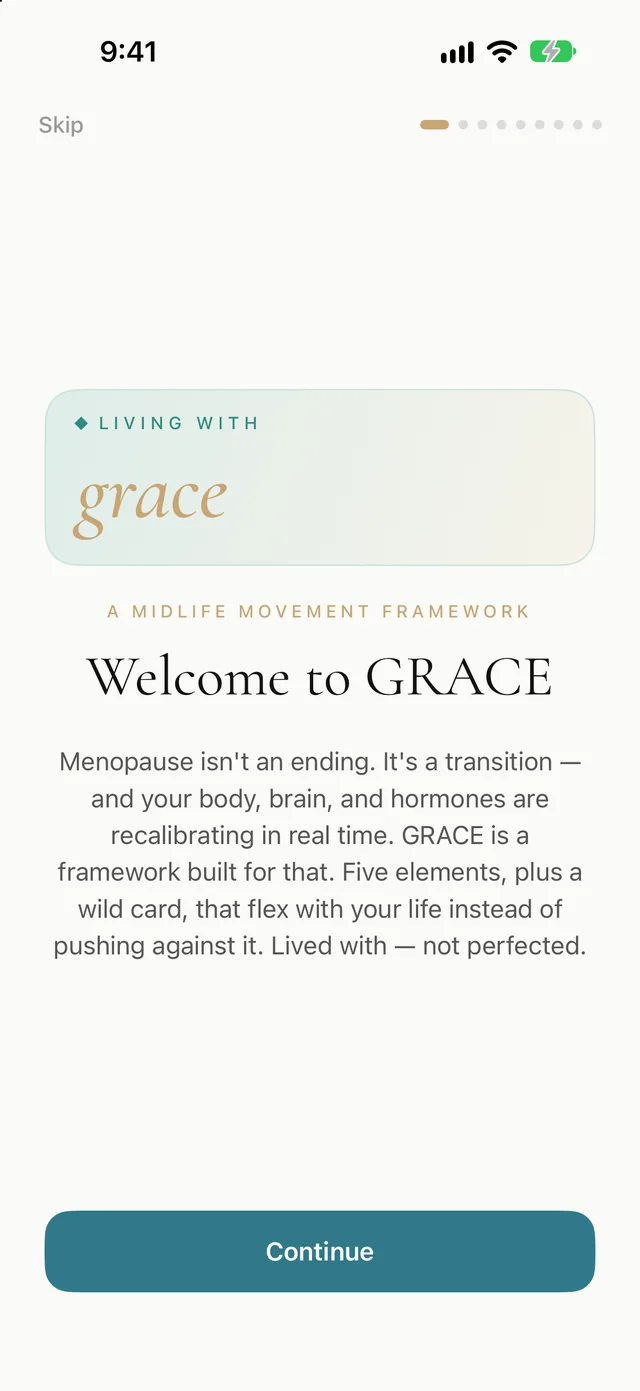
Living with GRACE helps you shape your week of movement with the GRACE Midlife Movement™ Protocol. There’s no plan to fall behind on, no score and no body to fix. You log what you actually did across six elements, and the app shows you the shape of your week.
For iPhone · iOS 18.5 or later · One-off price, no subscription · No account needed
Open the app and you see every element and how often you’ve touched it this week. It’s designed to be read in two seconds, and to look incomplete without looking like failure. Most weeks will have gaps. That’s the point.
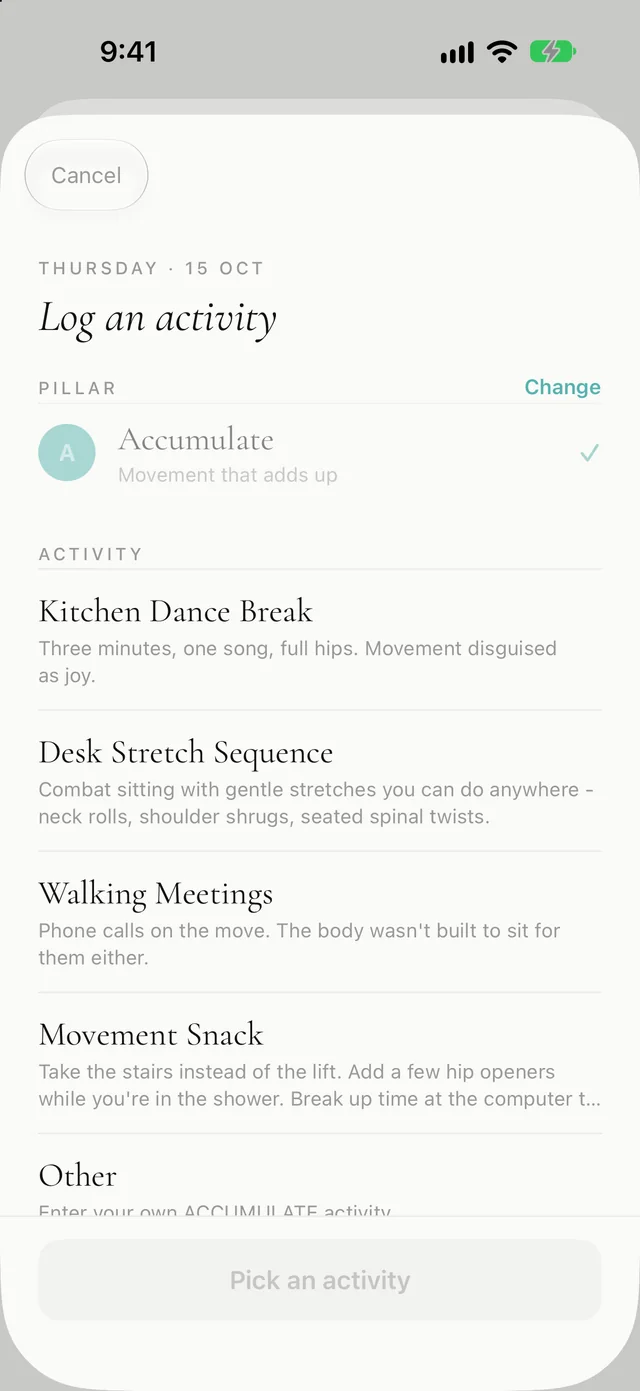
Pick an element, then a suggestion or your own words. Duration and effort (Gentle, Moderate or Intense) are optional. Every suggestion comes with a sentence of context in Mish’s voice:
A Wild Card is for a rest or flexibility day, so there’s one per day, on a day with nothing else logged.
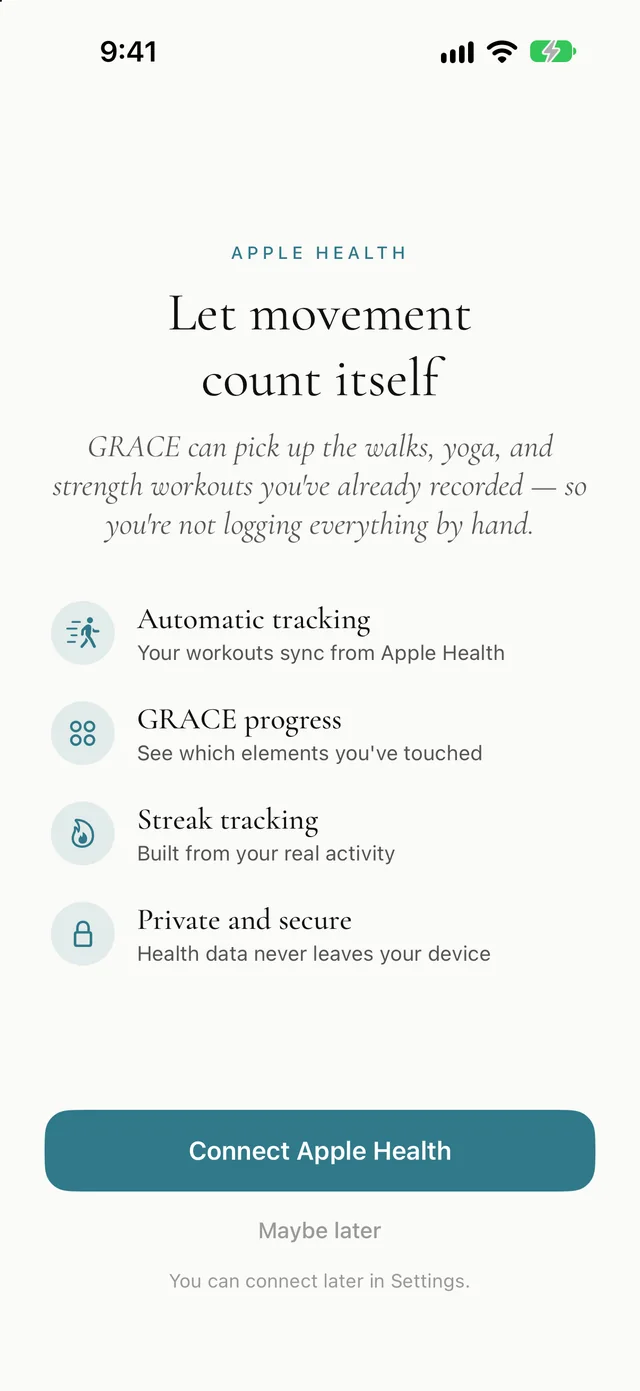
Already wear an Apple Watch or use another app? Living with GRACE can read the workouts in Apple Health and file them under the right element, so your week fills in without double entry.
| Workout in Apple Health | Counts toward |
|---|---|
| Strength training, core, cross training, HIIT | Grit |
| Yoga, Pilates, mind and body, stretching, cool-down | Regulate |
| Walking, stairs | Accumulate when short, Cardio when longer |
| Running, cycling, rowing, dance, boxing, racquet sports | Cardio, or Endurance for longer efforts |
| Hiking, swimming, paddling, climbing, snow sports | Endurance |
Read-only and workouts only: never heart rate, steps or anything else. The app never writes to Health. Switch it off any time in Settings.
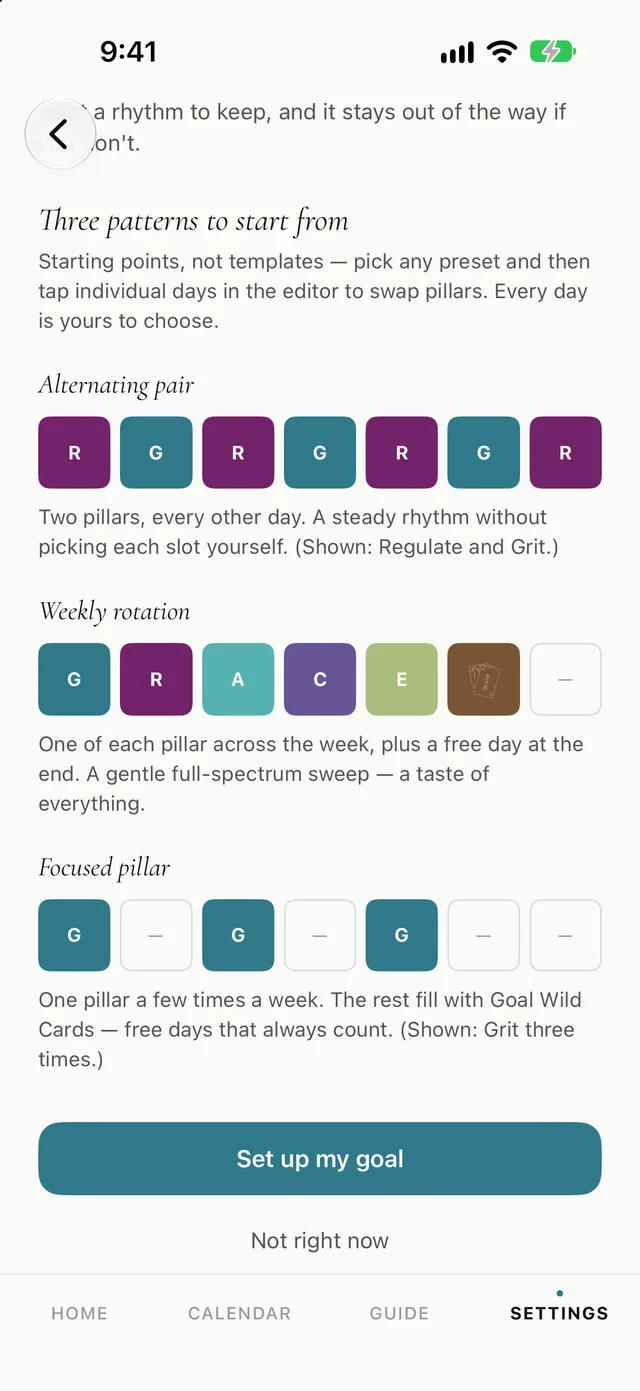
If you’d like one, design your own weekly rhythm (which element on which day), starting from a pattern:
Then choose how forgiving it should be: Strict, Balanced or Gentle. Days off let a scheduled day slip without breaking anything.
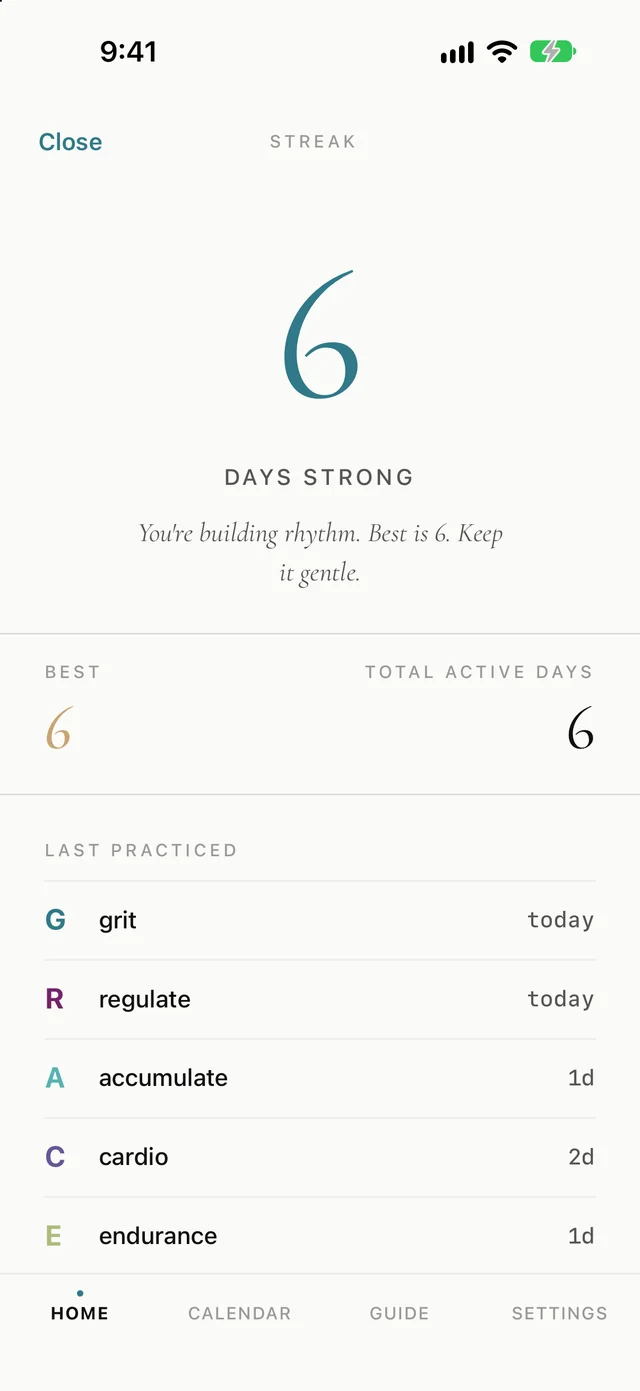
Living with GRACE counts the days you showed up for yourself, with any activity at all, and keeps your total. The messages are warm whatever the number, including after a gap:
A month view of what you’ve done and what’s planned. Open any day to log something after the fact or schedule an element ahead.
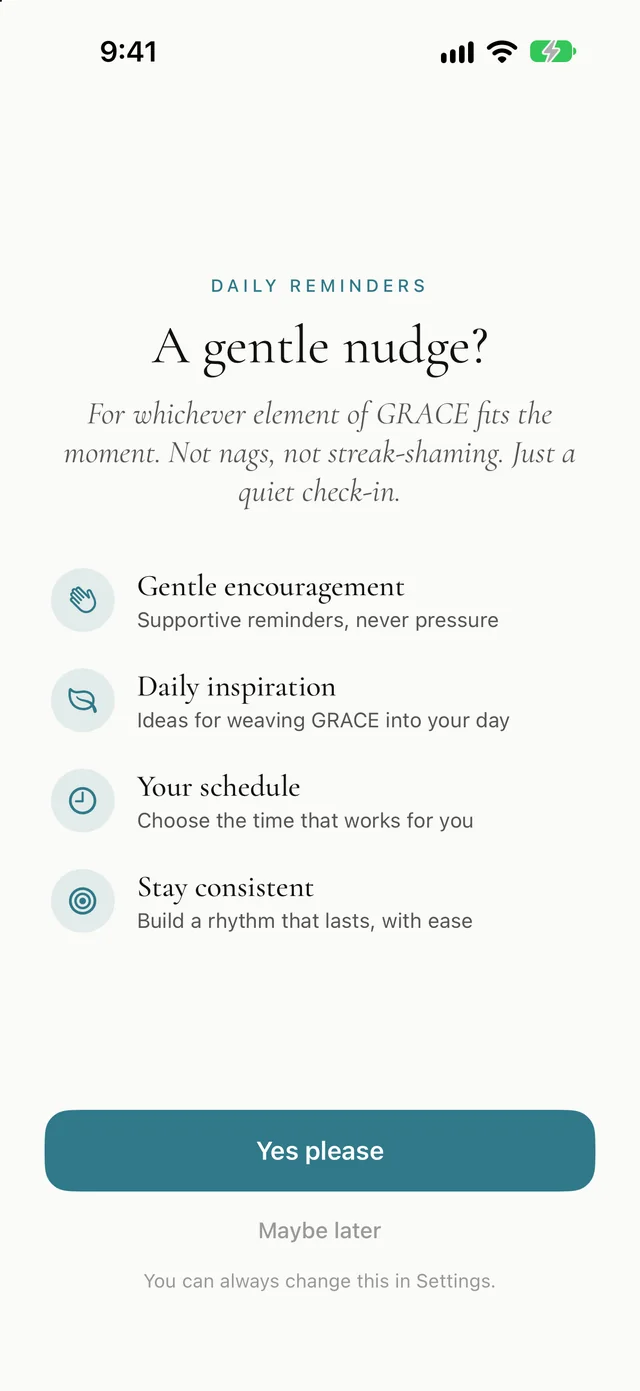
Reminders are optional and you choose the time. They respond to where you actually are in your week (suggesting Regulate the day after an intense session, say), and a quiet note marks each new week. Not nags, not streak-shaming. Just a quiet check-in.
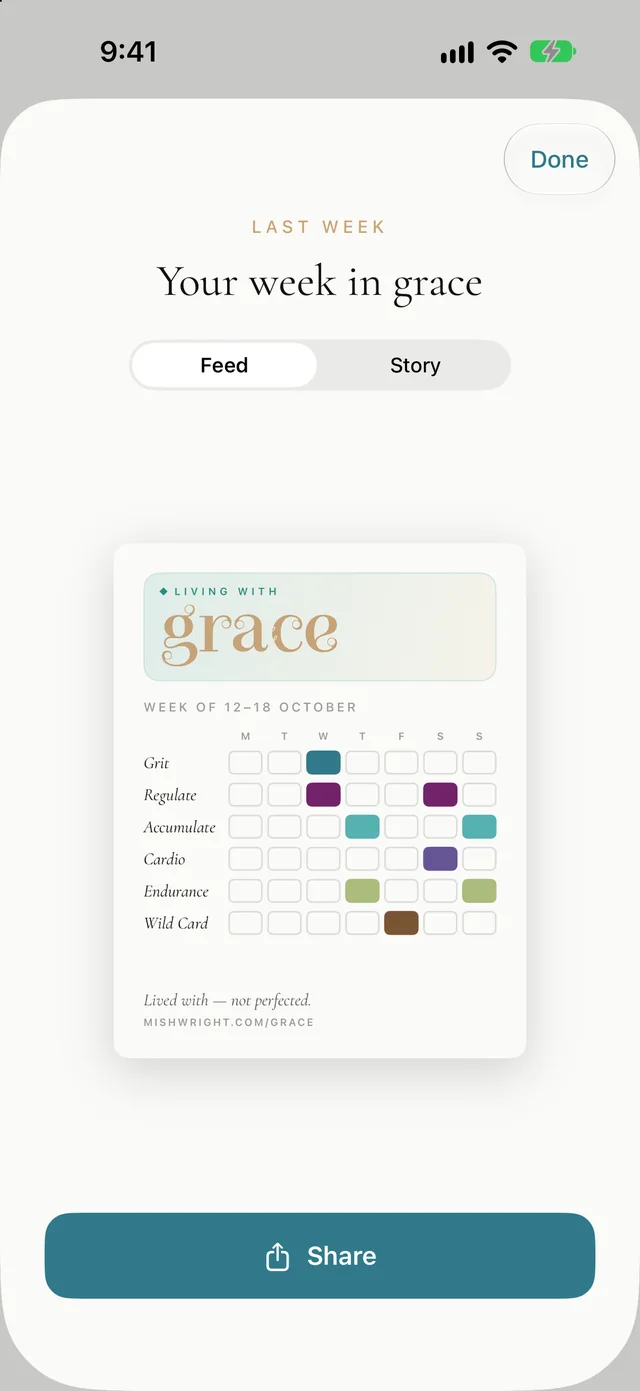
Once a week has passed, Living with GRACE offers a card of it to post or send. It deliberately carries no score: no totals, no percentage, no “5 out of 7”. Just the shape of your week, and a line like “A quieter week. Still a week.”
The card is made on your phone and only leaves it when you choose to share.
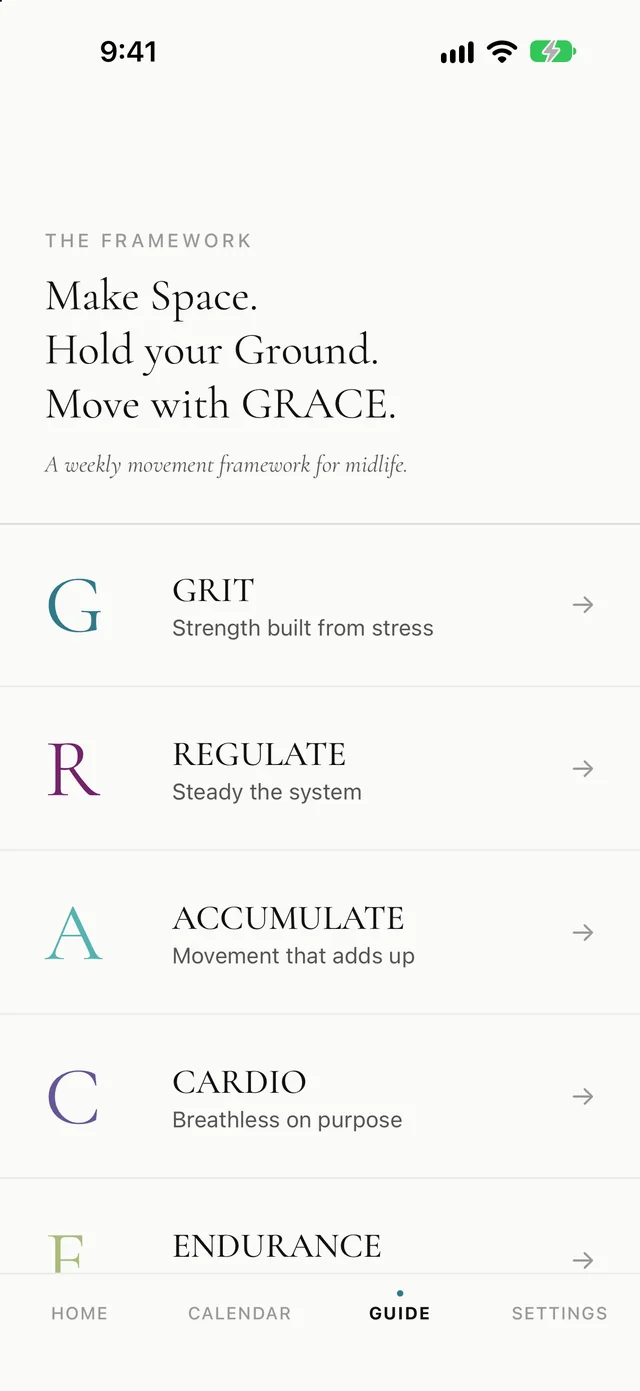
The Guide holds Mish’s definition of every element, with example activities. It’s always there and never locked.
It starts with care: before anything else, Living with GRACE asks you to move with care. GRACE is a movement framework, not medical advice.
Your activities, streaks and anything from Apple Health stay on your iPhone. There’s no analytics, advertising or third-party data collection of any kind, and one tap deletes everything.
The one thing that travels: if you’re signed in to iCloud, your personal goal’s name and weekly pattern sync through your own private iCloud so it appears on your iPad. Your health and activity data never goes to iCloud.